Free Swimlane Diagram Maker
You can export your diagram as an image, or save it temporarily online and publish it via URL.
Start from a template
Create from blank
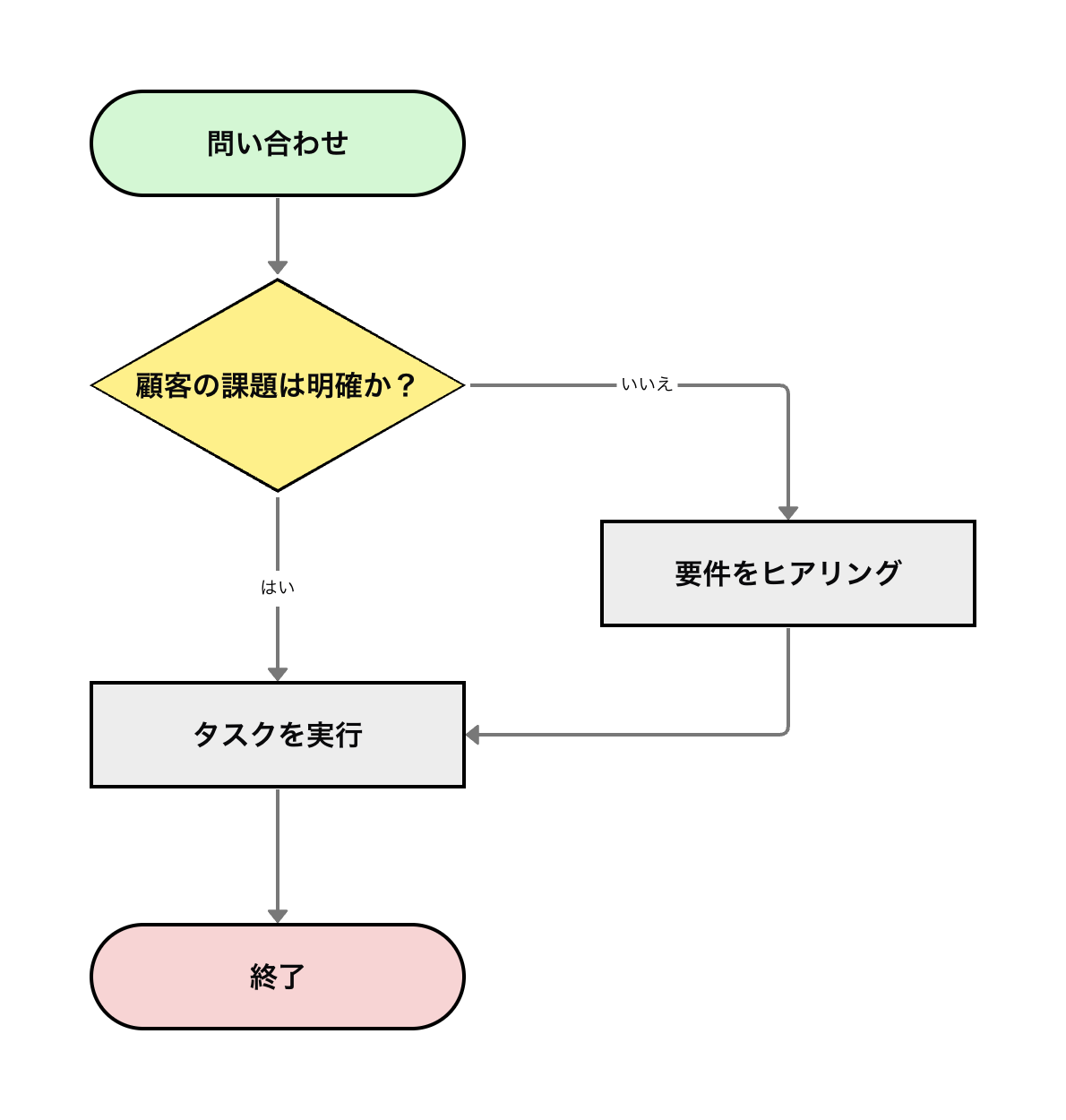
A general process flow from start to end. A standard template including decisions and loops.
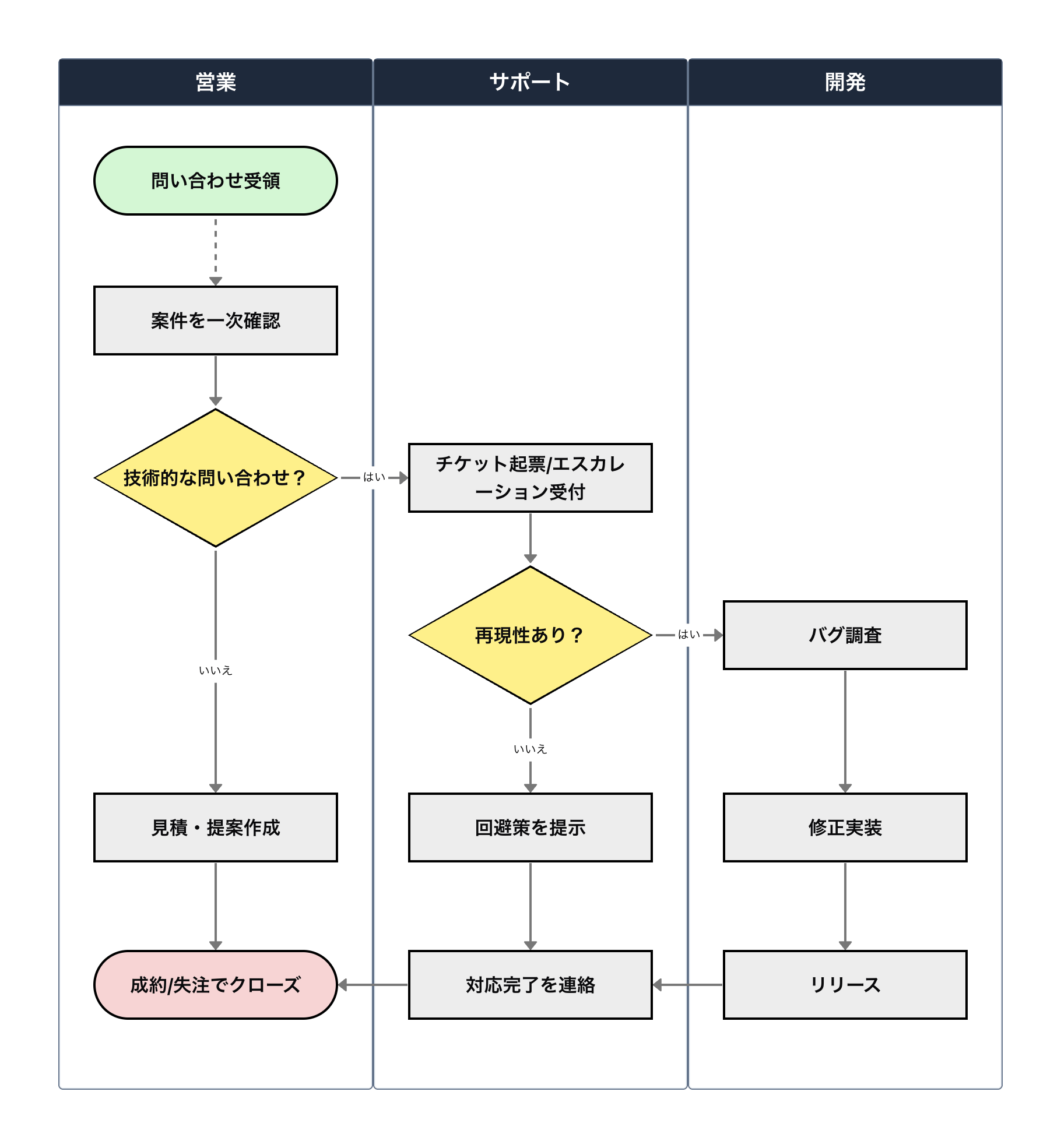
Clarifies the role distribution and process flow across departments such as Sales, Support, and Development.
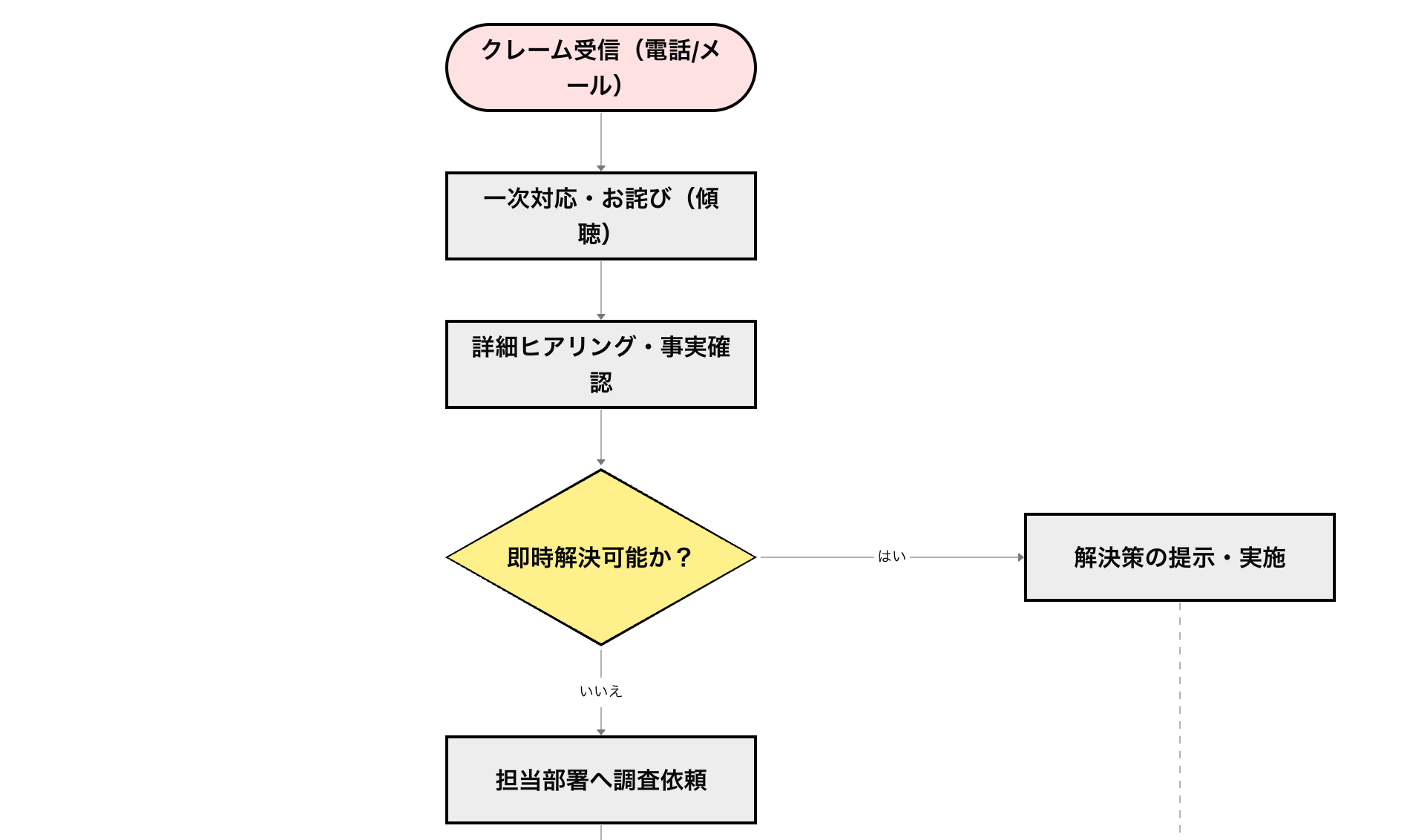
A detailed complaint handling process covering intake, fact-checking, proposing solutions, and preventing recurrence.
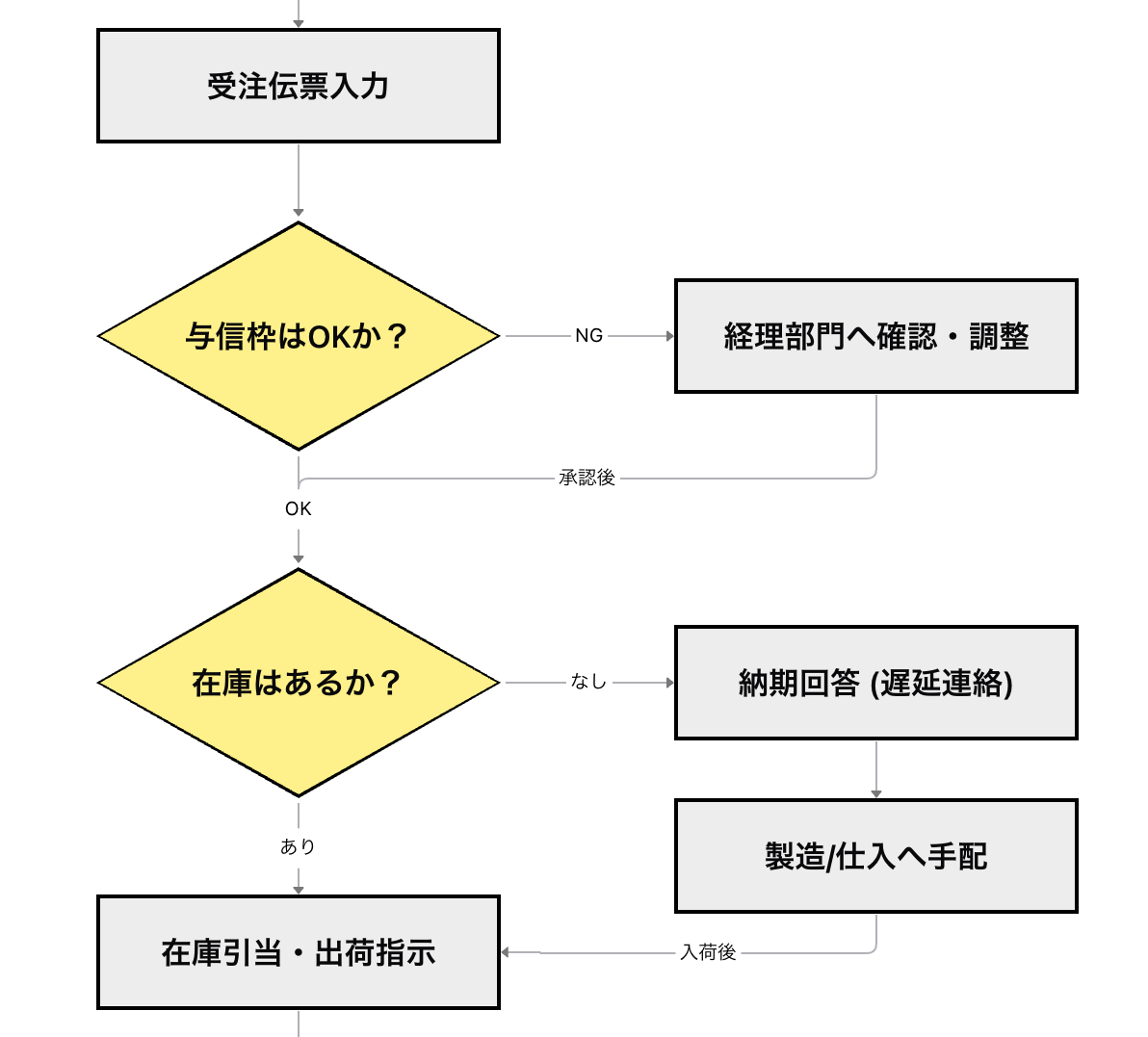
A complete sales-logistics flow from order confirmation, inventory allocation, packing, and shipping to billing.
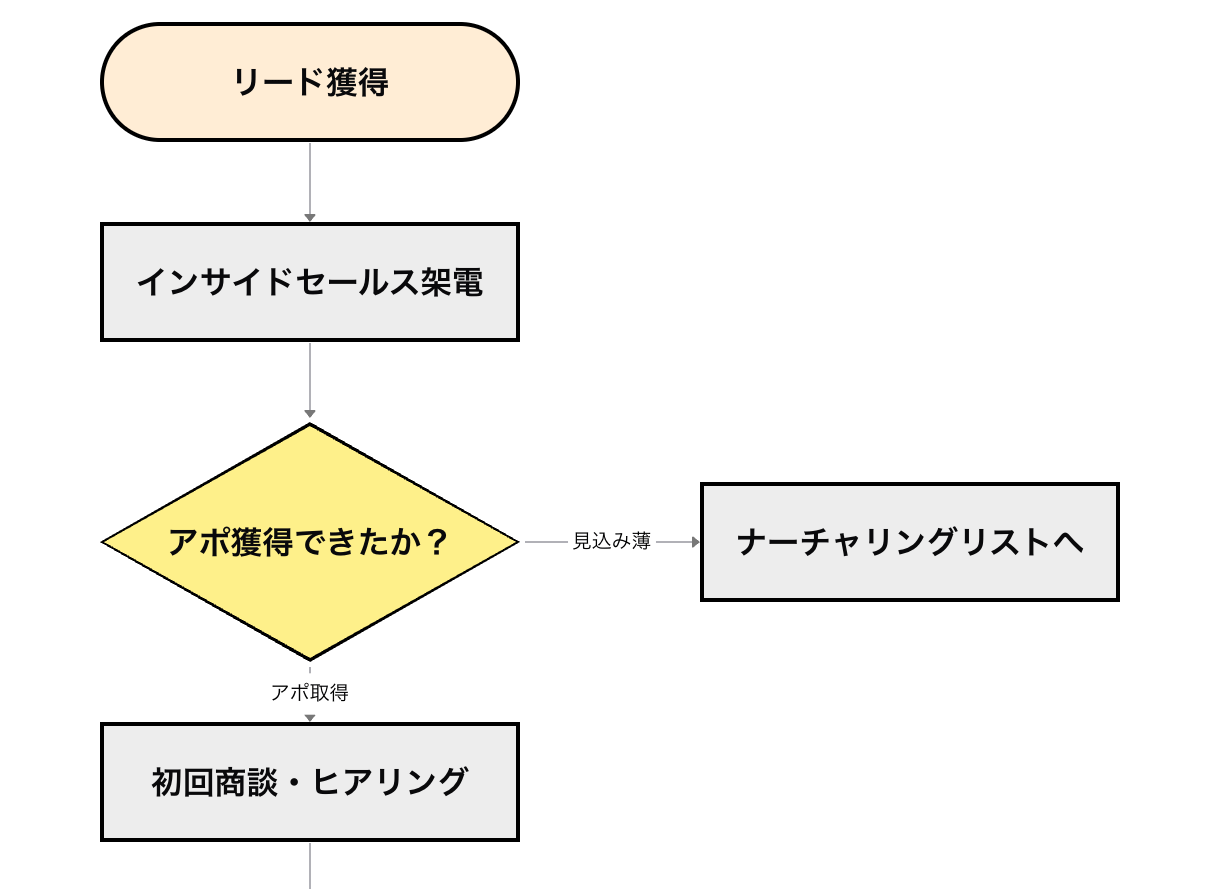
A standard sales activity flow from lead generation through needs assessment, proposal, closing, and contract signing.
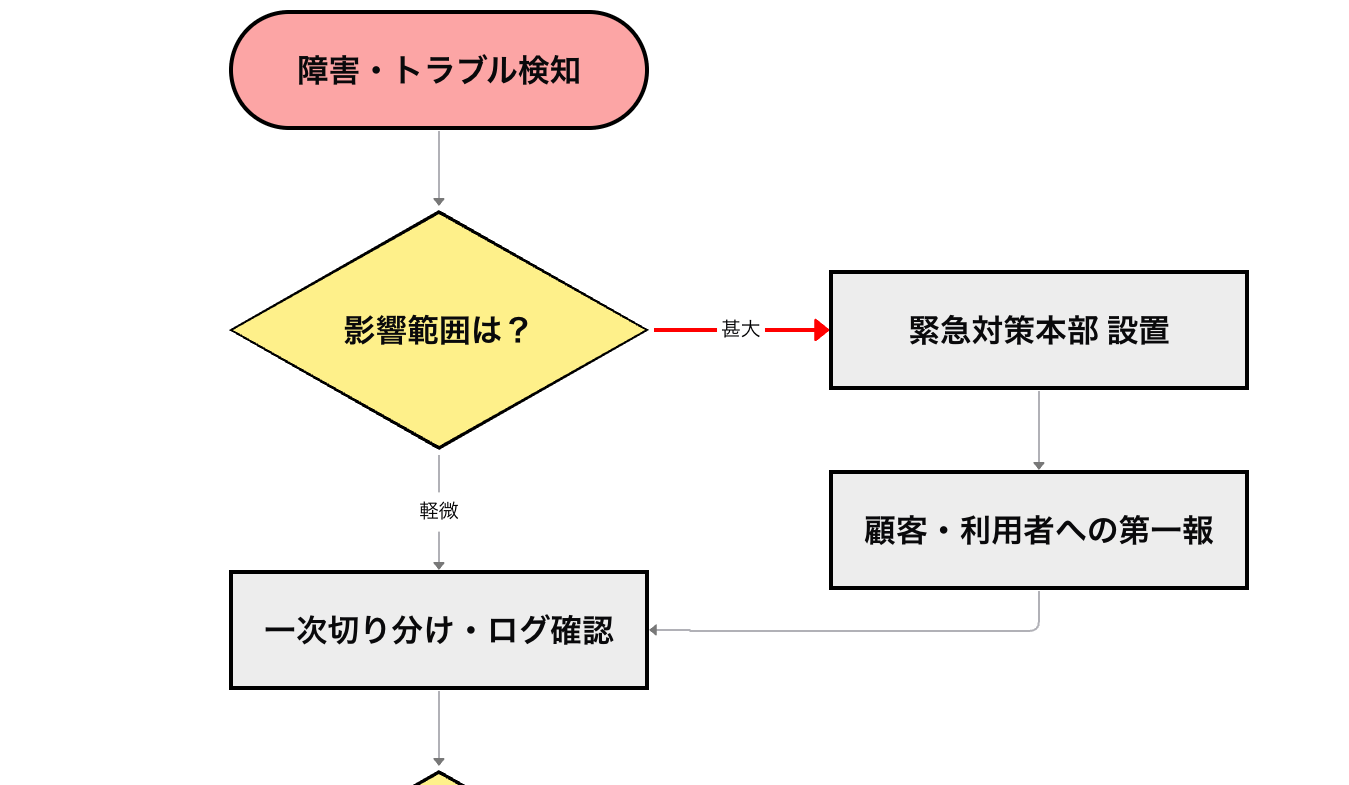
An incident management flow covering detection, initial triage, recovery, permanent countermeasures, and reporting.
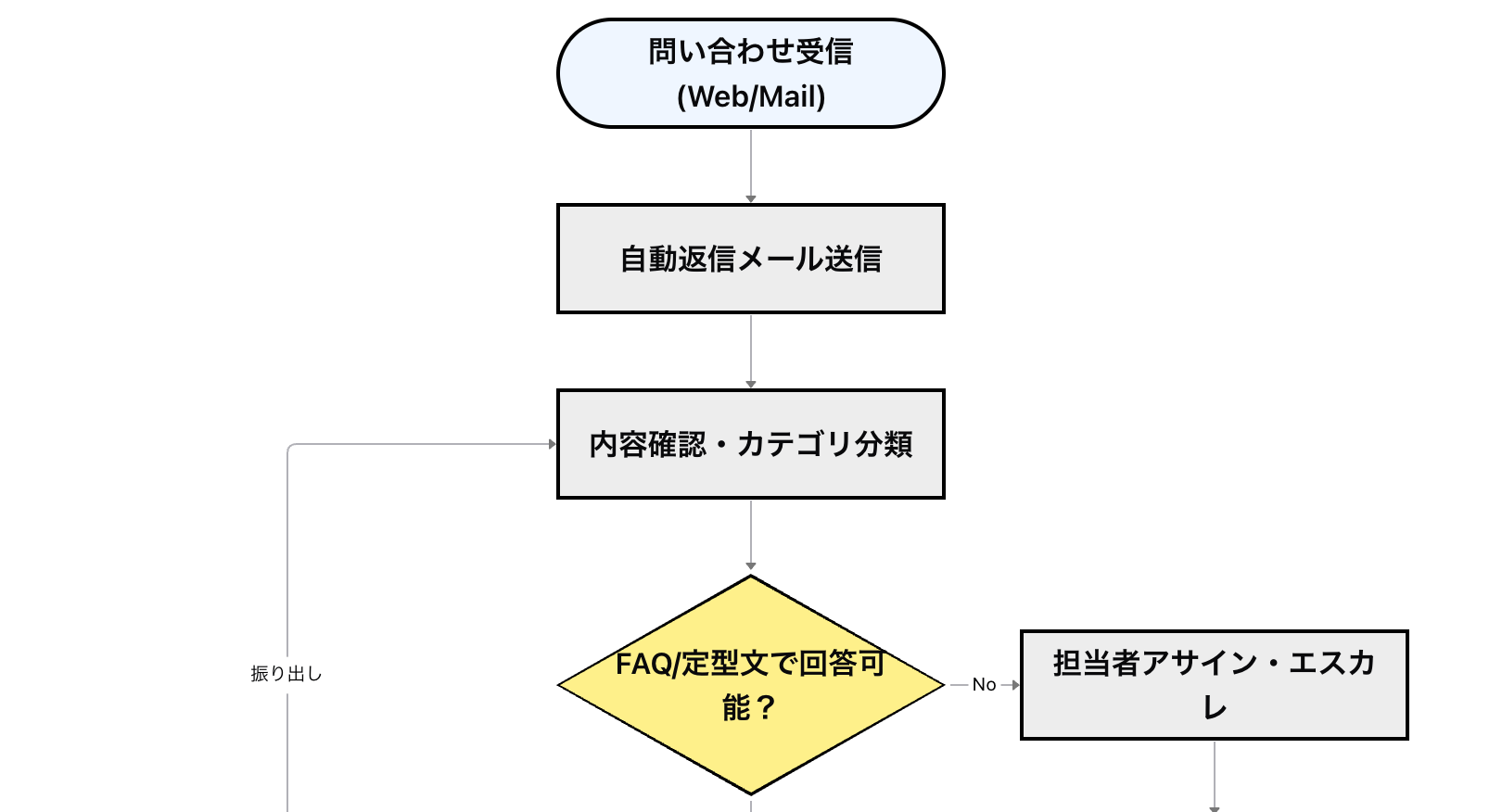
Visualizes the flow of receiving inquiries, checking the FAQ, escalation, and drafting responses.
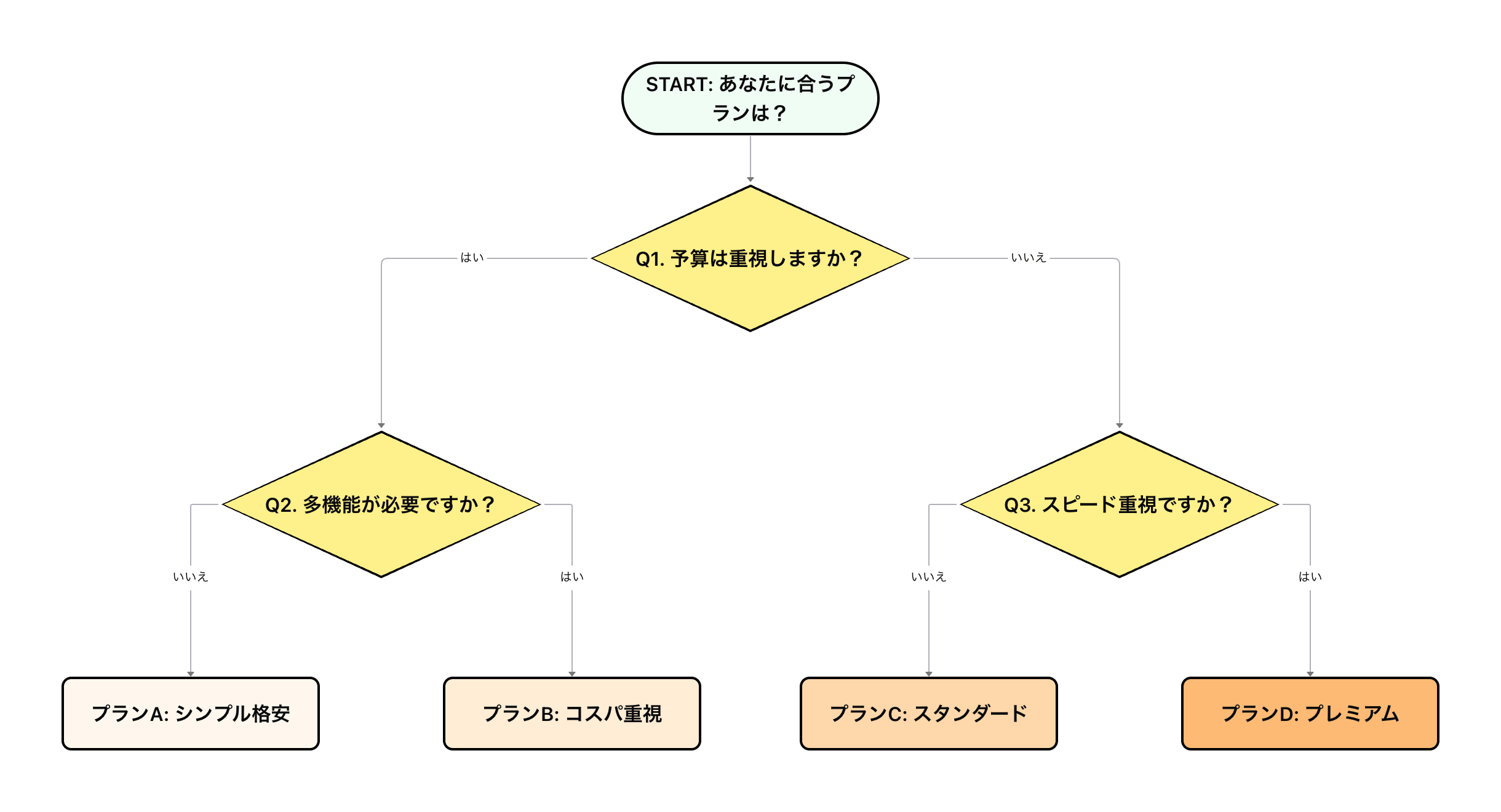
A chart that branches on Yes/No answers to questions to determine a type-based diagnosis or course of action.
Frequently Asked Questions
How to Use Free Swimlane Diagram Maker
Add elements
Add nodes (elements) to the canvas and position them freely by dragging. Double-click to edit the label or content.
Edit relationships
Connect elements with lines to define their relationships. You can also customize the labels, colors, and styles of the lines.
Download the image
Save your finished diagram as an image in PNG, JPEG, or SVG format. You can also save it temporarily on the web or share it via URL.